Step 1: Download and launch the software
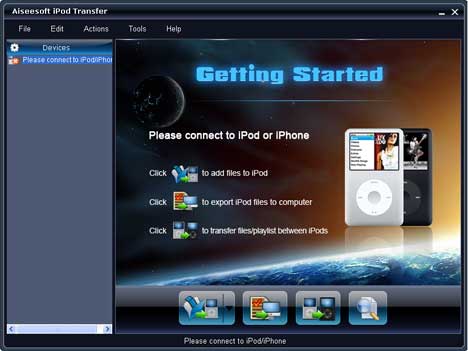
Step 2: Open the library/playlist first and then check the file(s) you want to export in the file list.
Step 3: Click  to select the destination of the exporting files and start exporting files.
It is optional to choose the Export to local option from the Actions menu, and then export the files from your iPod to actual device.
Tip 1: Click  to browse your library by genre, artist and album.
Tip 2: This iPod Transfer can be used for all the iPod/iPhone versions: , iPod classic, iPod mini, iPod nano, iPod shuffle, iPod touch, iPod Video, iPhone, iPhone (3G)…
After run the software, click  to seek the files you want to import to iPod from computer and click OK to finish computer to iPod transferring.
Find more detailed information at: Rip iPod

没有评论:
发表评论